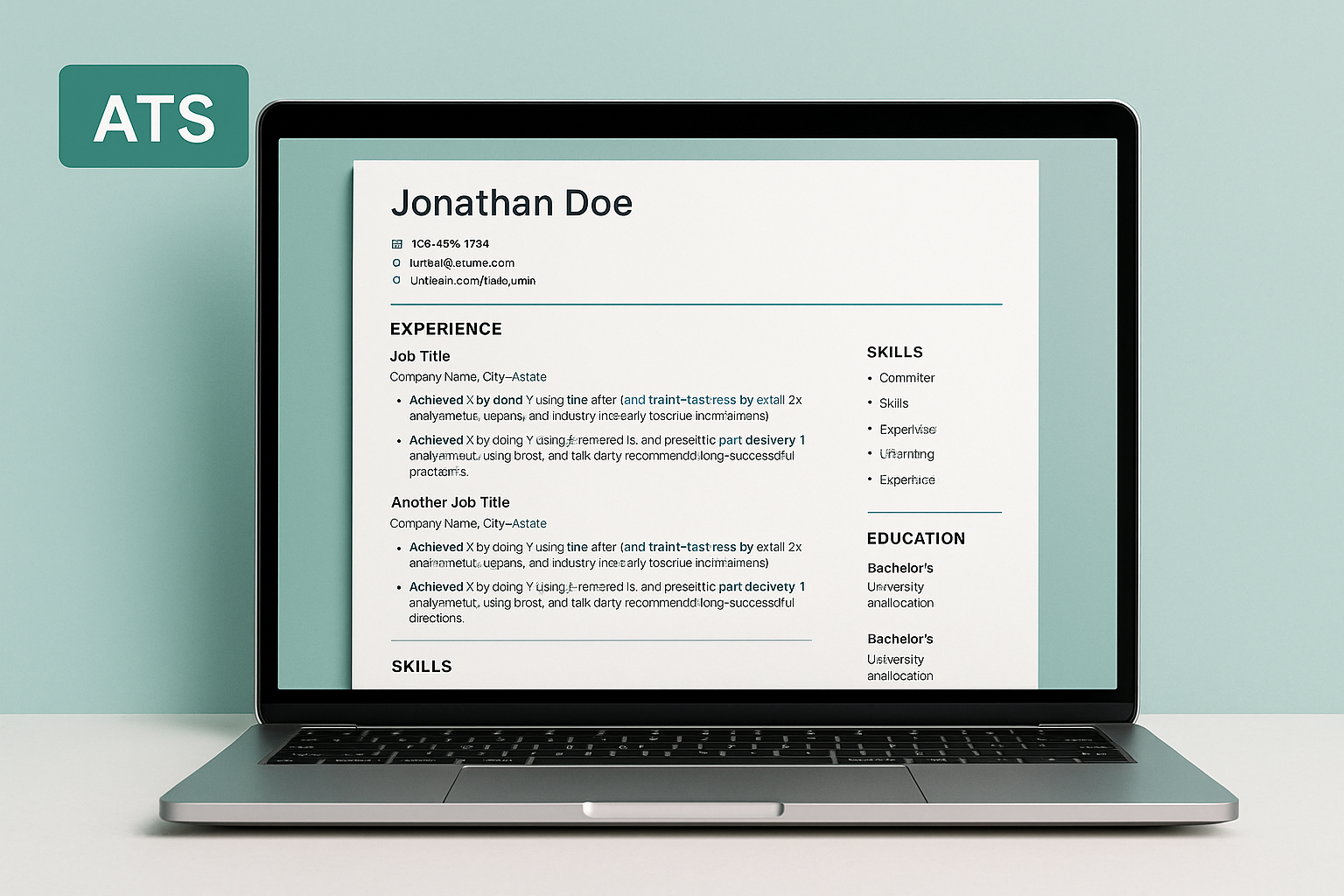
ATS-Ready • Updated 2025 • 7-Day Guarantee Interviews in 2–3 weeks with a 15–25 min routine CV + Headline + About + Keywords + Tracker + Banner
Instant Download →

Get more interviews in 2–3 weeks with an ATS-ready CV & LinkedIn job-search system

A practical, step-by-step toolkit that turns your CV & LinkedIn into a recruiter magnet — with ATS-ready templates, proven keywords and a simple tracker.
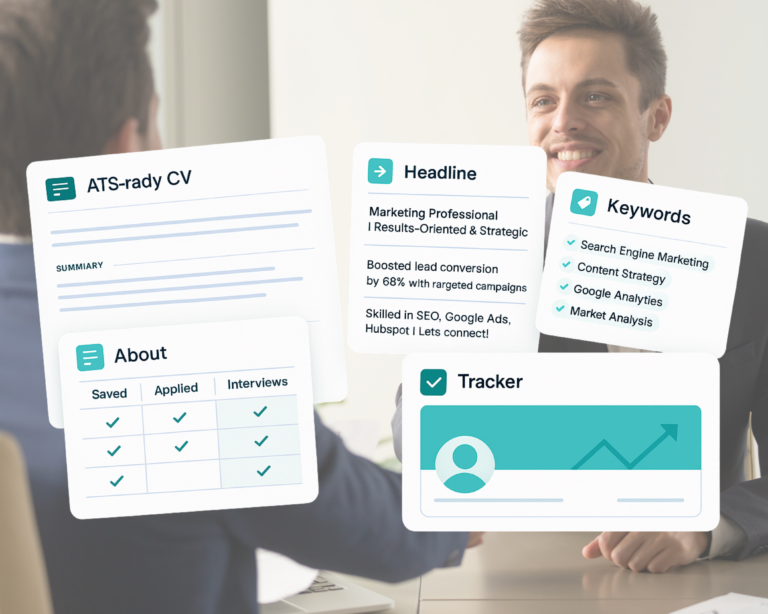
✅ ATS-Ready CV 🔍 Search-friendly headline & about 🧩 Role-based keywords 📊 Simple job tracker 🖼️ Clean LinkedIn banner 🛡️ 7-day money-back
📪

No replies

What happens: you apply a lot and hear nothing back.

Fix: high-signal Headline/Keywords + ATS-ready CV.
Fix with the Headline & ATS CV system inside the kit.

🔎

Not showing up in search

What happens: recruiters can’t find your profile.

Fix: role-based keywords + smart repetition across profile.
Fix with the Keywords & LinkedIn profile system inside the kit.

⏱️

Wasting time

What happens: endless scrolling; hard to track applications.

Fix: one Job Tracker + a 15–25 min routine.
Fix with the simple 15–25 min/week tracking routine inside the kit.

Profile not persuasive

What happens: generic text with no results.

Fix: Before/After “Achieved X by Y using Z” + a proof line.
Fix with the Results-First About & proof-line system inside the kit.

WHAT’S INSIDE

A complete, practical toolkit to get interview-ready in 2–3 weeks: ATS-proof CV, high-signal LinkedIn (headline & about), role-based keywords, a simple job tracker, and clean banners.

The kit works as a 3-part system: ProfileVisibilityTracking

PROFILE

ATS CV Templates

Pass filters automatically; stay human-readable.
Word Canva AI/EPS ATS Checklist
  • Standard section titles (Experience, Skills, Education…) that parsers recognize.
  • Results-first bullets (Achieved X by Y using Z) + by-role keyword guidance.
  • Start-Here (PDF) and one-page ATS Quality Checklist before export.
What’s included
  • Start-Here_ATS (PDF)
  • ATS_CV_Quality_Checklist (A4 PDF)
  • Editable templates: Word, Canva, Illustrator (AI/EPS)
  • Export guide: PDF naming & file hygiene
PROFILE

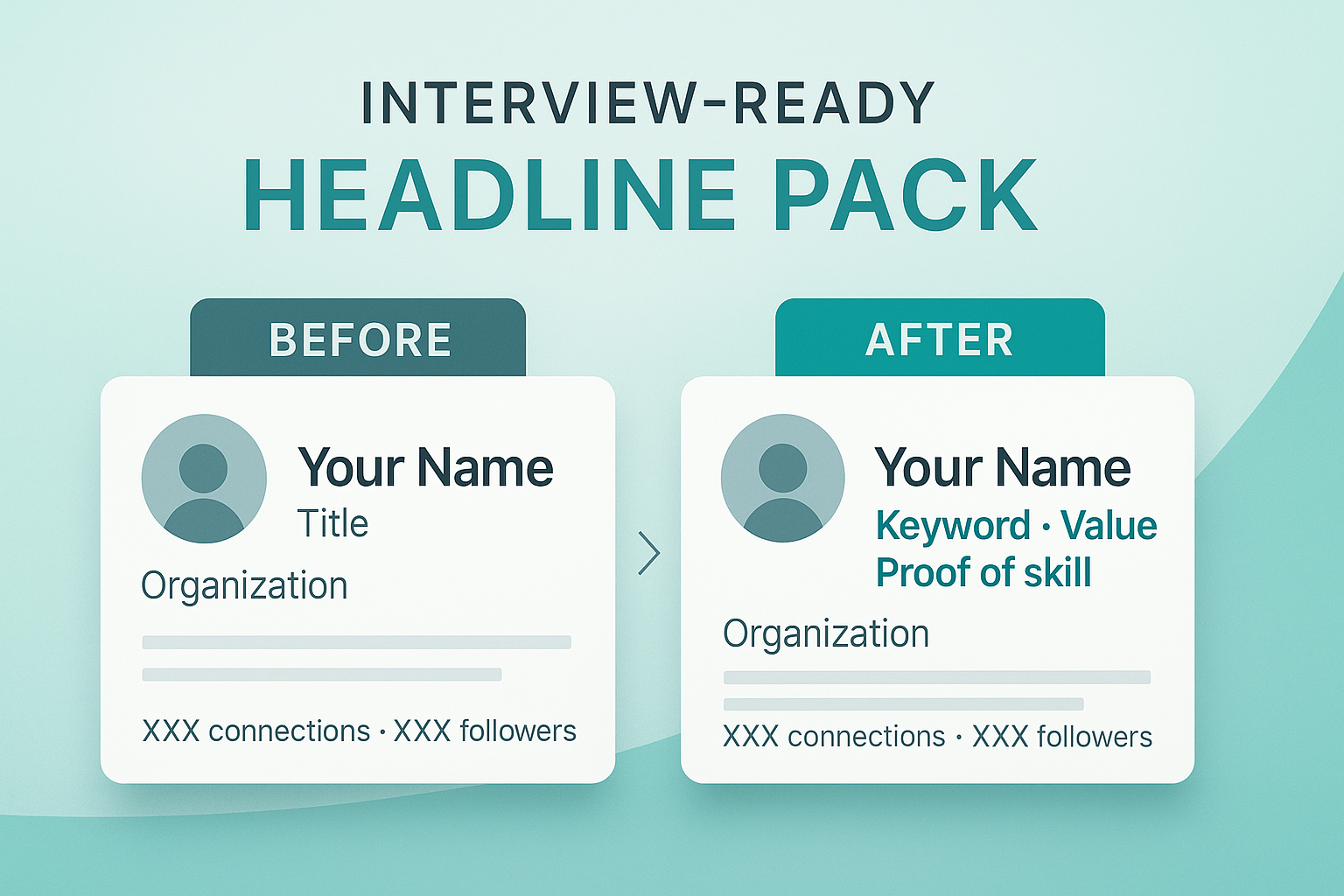
Interview-Ready Headline Pack

Show up in LinkedIn search & hook attention fast.
≤80 char (mobile) ≤120 char (desktop) A/B Sheet Checklist
  • Plug-and-play formulas for mobile & desktop.
  • By-role Before/After examples to copy & adapt.
  • Do/Don’t guide + quality checklist + mini-metrics for quick wins.
What’s included
  • Start-Here_Headline (PDF)
  • Samples_By_Role_Before_After (PDF)
  • Headline_Quality_Checklist (PDF) & Do-Don’t Guide
  • Headline_A/B_Test_Sheet (XLSX)
  • Bonus: Mini-Metrics Guide
PROFILE

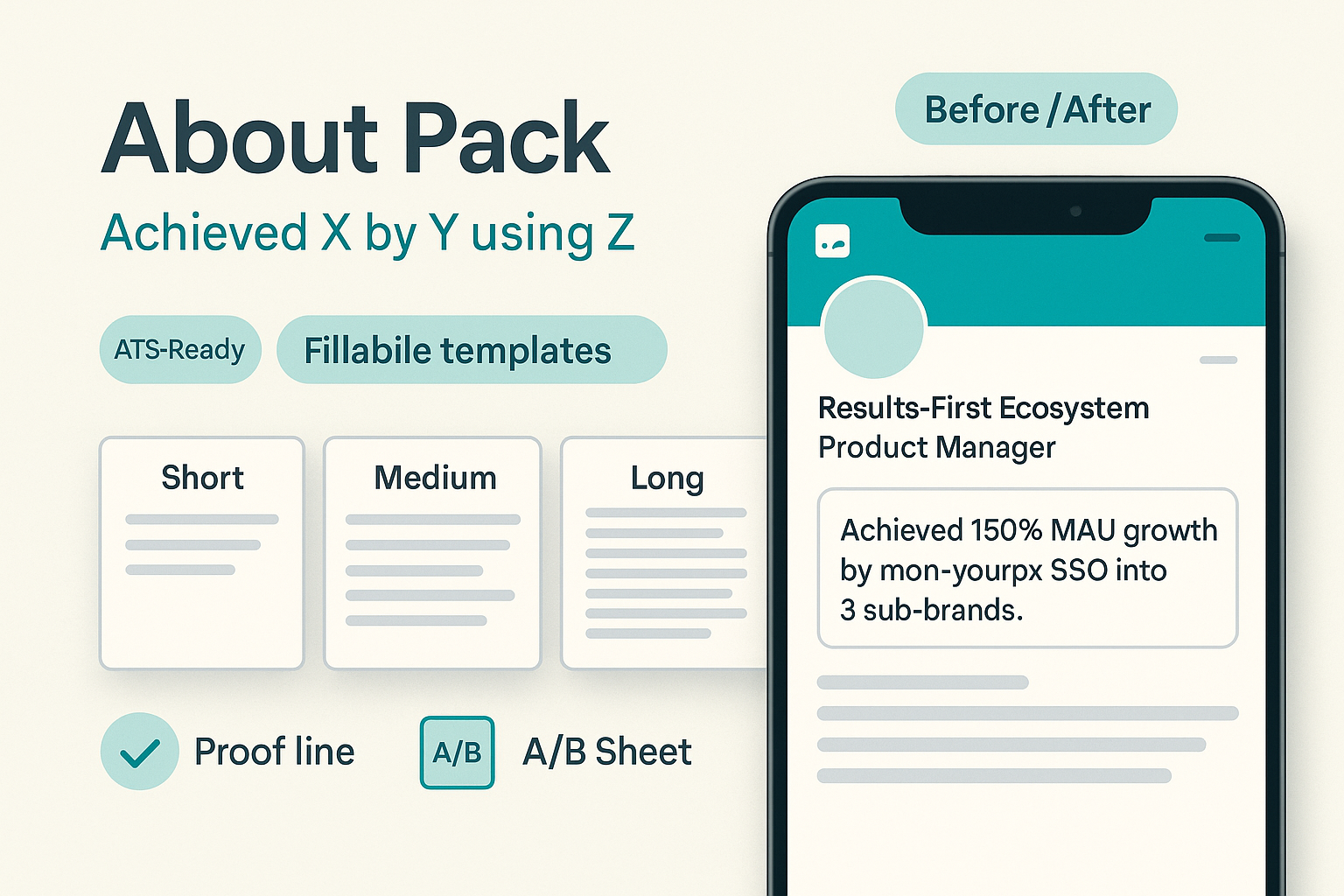
Results-First About Pack

“Achieved X by Y using Z” — clear, keyword-rich summary.
Short Medium Long A/B Sheet
  • Fillable templates: short (≤3 lines), medium (4–6), long (7–10).
  • Proof line & by-role keywords embedded naturally.
  • Quality checklist + paragraph A/B testing to compare hooks.
What’s included
  • Start-Here_About (PDF)
  • About_short / medium / large (fillable)
  • About_Quality_Checklist (PDF)
  • About_Paragraph_A/B_Test (XLSX)
  • Samples_By_Role_Before_After (PDF)
VISIBILITY

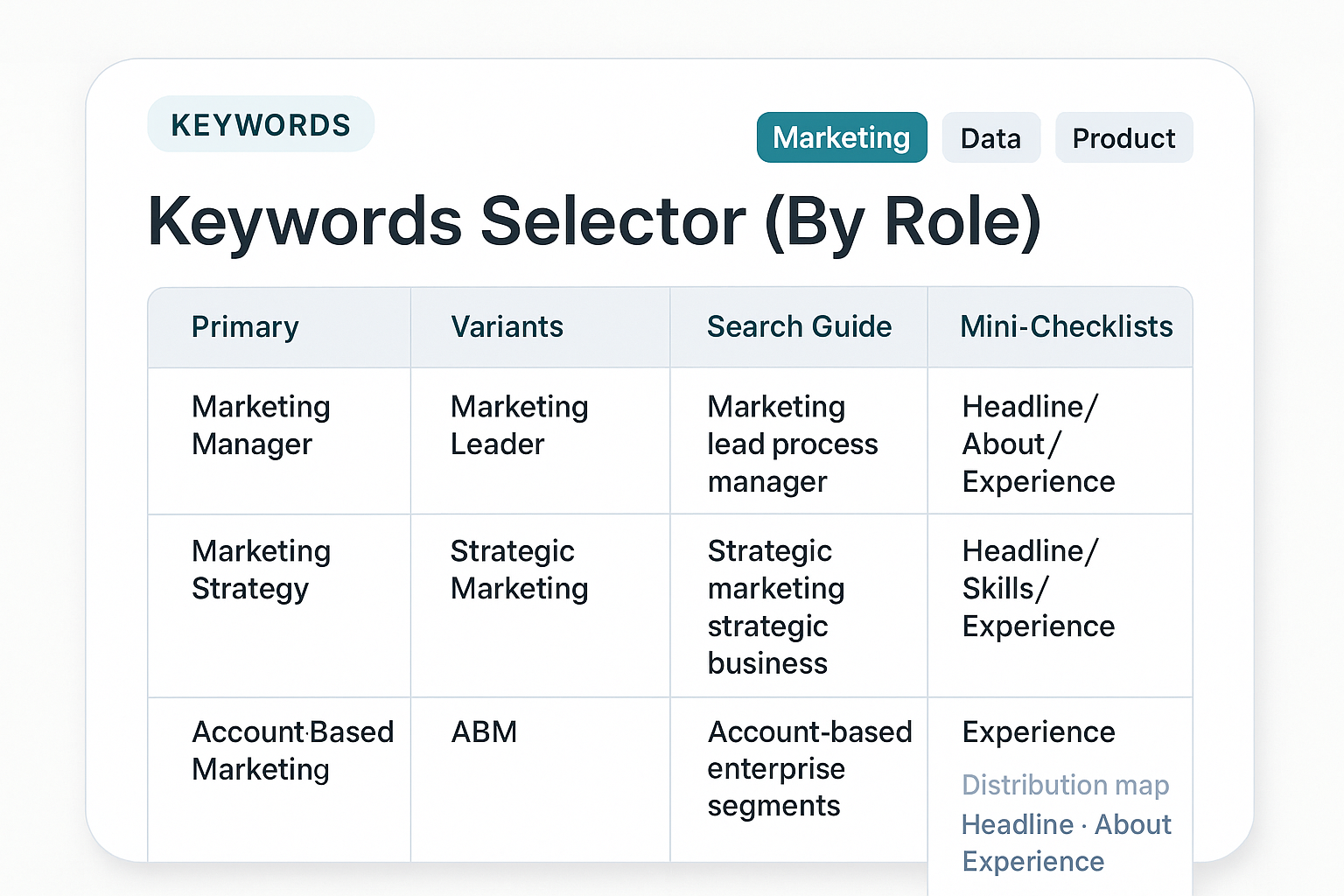
Keywords Selector (By Role)

Be discoverable in recruiter search & beat ATS filters.
Primary Variants Search Guide Mini-Checklists
  • By-role keyword banks: core skills + synonyms & variants.
  • Distribution map: where to repeat (Headline, About, Experience, Skills).
  • Recruiter Search guide to validate your visibility.
What’s included
  • Start-Here_Keywords (1-pager PDF)
  • Keywords-Selector_ByRole_FINAL (XLSX)
  • Quick_Guide_Recruiter_Search (PDF)
  • Mini_Checklists_Pre-Publish (PDF/DOCX)
TRACKING

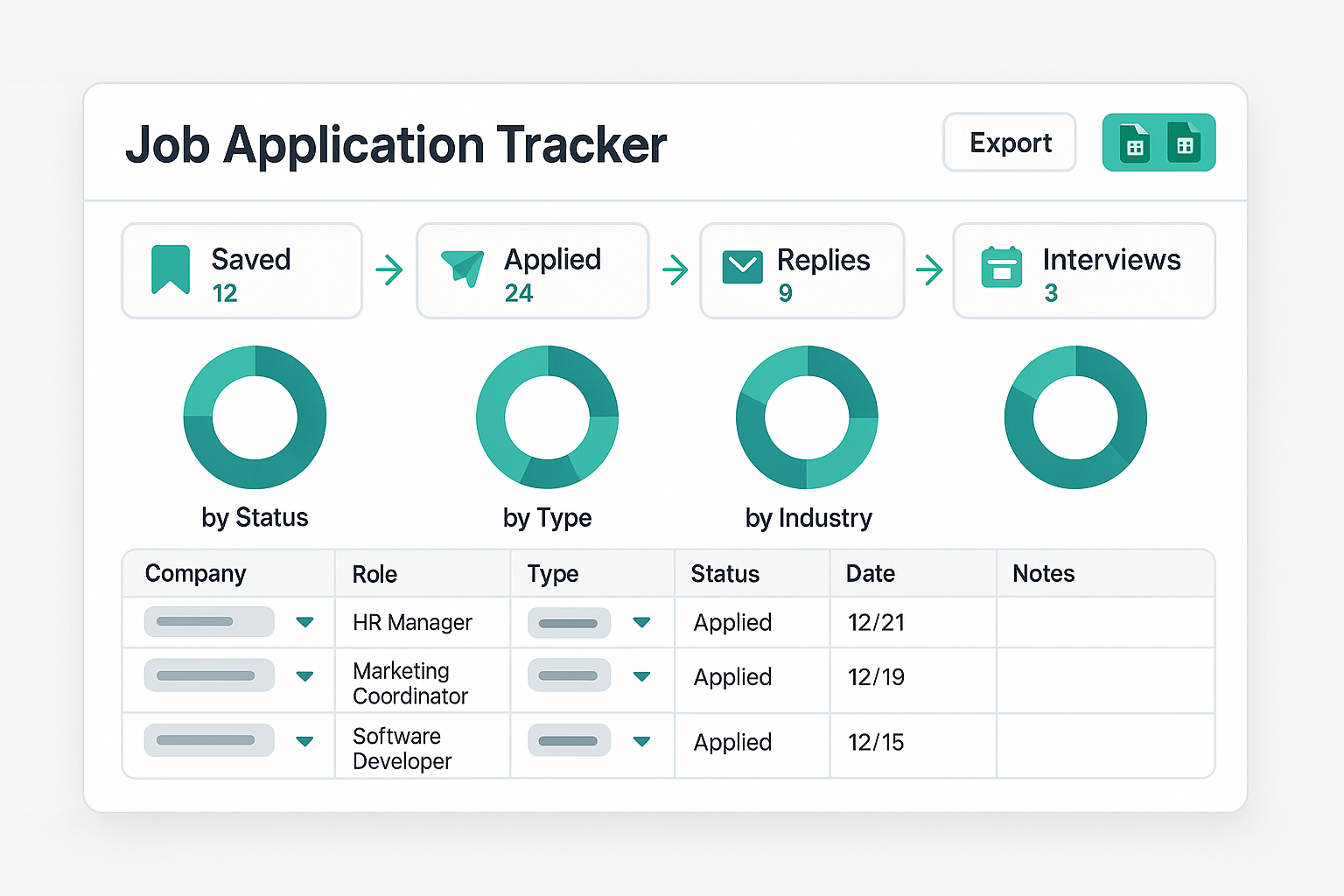
Job Application Tracker

See your pipeline, not chaos — focus on what works.
Excel Google Sheets Dropdowns Charts
  • Saved → Applied → Replies → Interviews with per-stage notes.
  • Dashboard by Status, Type, Industry + hybrid/remote.
  • Offer log (pay, PTO, benefits) & decision record.
What’s included
  • Applications sheet with structured fields & collapse groups
  • Weekly dashboard (donuts + bar)
  • Offer section and follow-up outcomes
PROFILE

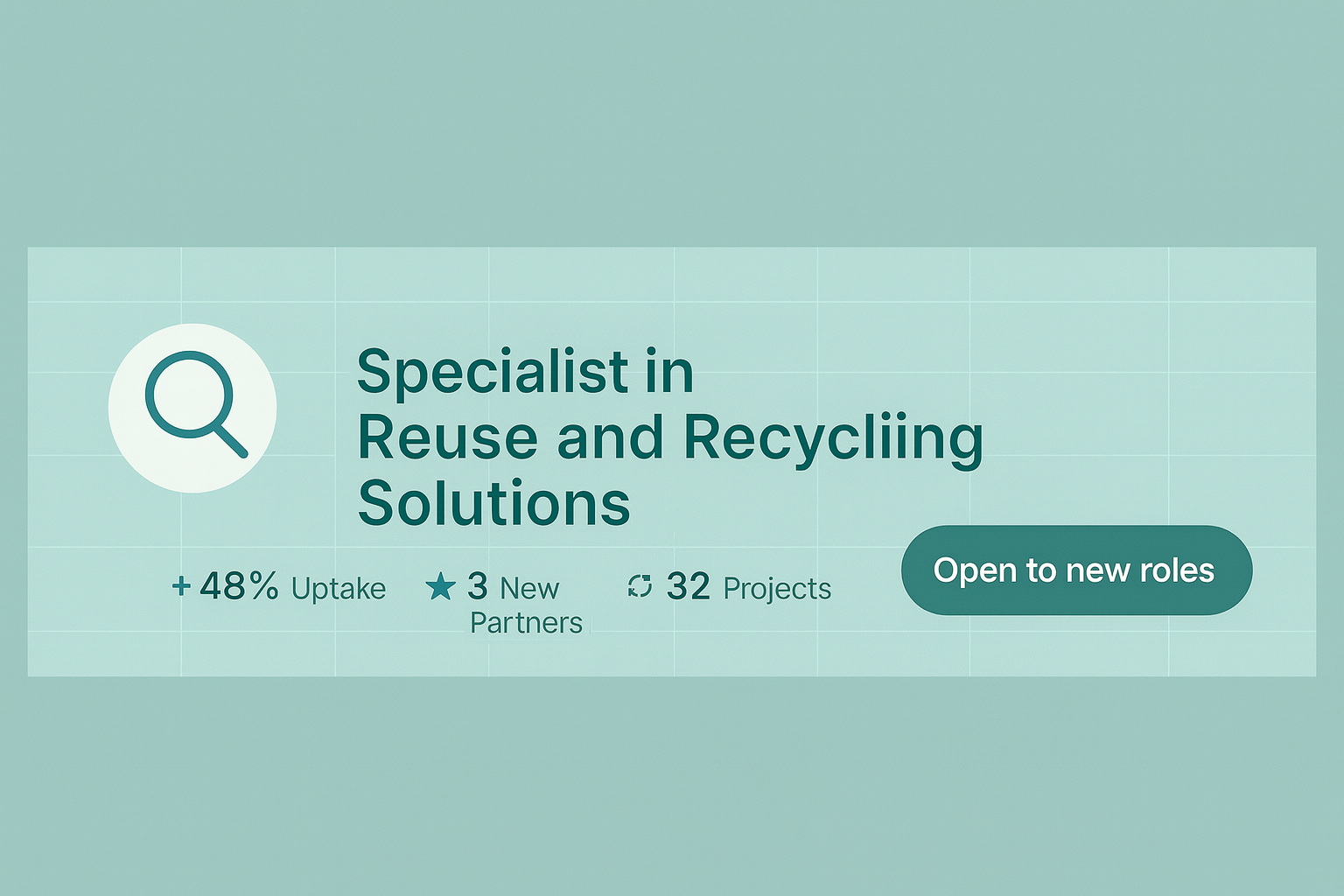
LinkedIn Banner & Visual Kit

Clean visual identity + subtle CTA (mobile-safe crop).

10 designs Editable Instructions 1584×396
  • Multiple editable designs with step-by-step instructions.
  • Safe text zone for desktop & mobile.
  • Optional micro-CTA (≤30 chars) to support your headline.
What’s included
  • PDF previews (10+)
  • Editable files + usage instructions
  • Mobile-crop guidance & contrast tips

Before / After — Job-Ready Components

Headline

Before

Marketing Graduate | Looking for opportunities
  • Generic wording
  • No role keywords
  • Low search appearances

After

Marketing Analyst · SQL · GA4 · A/B Testing · DTC Growth
  • Role-based title + high-signal skills
  • Matches recruiter search terms
  • +2× visibility in 2–3 weeks
About

Before

Passionate team player… handled many tasks…
  • Vague, duties-based
  • No metrics or tools

After

Achieved +31% sign-ups in 8 weeks by A/B testing copy & LPs; built GA4 dashboards; optimized email flows (+18% revenue).
  • Results-first (“Achieved X by doing Y”)
  • Clear metrics + tools
CV

Before

  • Two columns, icons/tables
  • Fancy fonts (parsing issues)
  • Missing keywords

After

  • ATS-ready single column
  • System fonts, clean sections
  • Role keywords embedded naturally
Passes ATS + skimmable
Keywords

Before

  • Random skills
  • No distribution map

After

  • By-role keyword bank + synonyms
  • Placement map: Headline / About / Experience / Skills
Get discovered more often
Tracker

Before

  • Scattered notes
  • No follow-up cadence

After

CompanyStatusNext
AcmeAppliedFollow-up (Day 3)
NexaReplyBook screen
VoltInterviewPrep pack
  • Weekly routine (15–25 min)
  • Saved → Applied → Replies → Interviews
Banner

Before

  • Generic/empty visual
  • No positioning or CTA

After

  • Clean identity + subtle CTA
  • Mobile-safe crop 1584×396
Professional first impression

Search Appearances

120 260 /week

Reply Rate

3% 14% in 10 days

Interviews

0 3 /14 days

*These results came from people who used the full system: CV + profile + keywords + tracker for 15–25 minutes a week.

Start Here – How the system works

A simple 4-step routine that connects every part of your kit: ATS CV, Headline/About, Keywords, Tracker and LinkedIn Banner.

  • Export your ATS CV

    Use the ATS Quality Checklist before exporting to PDF.

    ATS CV Checklist
  • Ship a ≤80‑char headline

    Add 2 role‑based keywords inside your About (first 2 lines).

    Headline Pack Keywords Selector
  • Turn on the Tracker

    Make 10–15 touches/week (Saved → Applied → Replies → Interviews).

    Job Tracker Weekly routine
  • Update banner + send 3 DMs

    Use the LinkedIn Banner and send 3 short DMs with one proof link.

    LinkedIn Banner Swipe DMs

PRICING

Get the complete ATS-Ready LinkedIn Job Search System .
One-time payment • Instant access • 7-Day Guarantee • Lifetime updates

Frequently Asked Questions

Quick answers before you start. Still need help? Reach out via the support link below.

Are the templates ATS-friendly?
Yes. We use standard fonts and clean structure (no complex tables or hidden columns) tested with popular ATS. The bundle includes an ATS Quality Checklist so you can verify before exporting (DOCX → PDF).
Why not just use free templates from Canva or Google (or ChatGPT prompts)?
Free templates mainly focus on design. They look nice, but they don’t tell you:
  • which keywords to use for your role,
  • how to pass ATS filters,
  • how recruiters actually search on LinkedIn,
  • or which applications are working vs. wasting your time.
This kit is a job search system: ATS-proof CV structure, role-based keyword banks, recruiter search guidance, and a tracker that shows what gets replies and interviews.
Design alone doesn’t explain why you’re getting no replies — this system does.
How much time do I need per week? (15–25 minutes)
The routine is intentionally light: 10–15 touches/week. Example plan — Mon: refine headline/keywords; Tue: save 3 roles; Wed: apply to 2–3; Thu: send 3 short DMs with one proof link; Fri: review the tracker.
Is it suitable for Career Switchers or Juniors?
Absolutely. You’ll get Before/After samples by role and the Achieved X by Y using Z bullet formula to turn school projects or small freelance work into credible results. The Keywords Selector helps you speak the new industry’s language.
What’s the difference between Starter and Pro?
Starter (Free): 1 ATS CV sample, 3 headline formulas, mini-keywords (10), 1 banner, a basic tracker, and one-page checklists.
Pro: Full access — ATS CV templates, Headline Pack, About Pack, Keywords Selector (By Role), LinkedIn banners (Canva), and the full Job Application Tracker (Excel + Google Sheets) with 2025 updates and a 7-day guarantee.
Where should I repeat keywords (Headline / About / Experience)?
Use this simple map:
  • Headline: 1 primary keyword + specialization/result.
  • About: repeat 2 core keywords in the first two lines.
  • Experience: distribute 3–5 keywords naturally across bullets.
  • Skills: concise list aligned to the job description.
How do I get support?
Email us at pixafy.io@gmail.com or use the Support page. We aim to respond within 24–48 hours. A 7-Day Guarantee is included if it’s not a fit.

Social Proof

Real wins from people who used the 15–25 min/week system.

“Once I plugged in the kit’s headline & keywords, Search Appearances jumped from 110 → 240 in two weeks. I finally started getting replies.”
Photo of Emma M.
Emma M. Marketing Analyst
“Using the system’s Headline + About format made me visible. Got 3 interviews in 14 days.”
Photo of Joseph K.
Joseph K. Data Intern → Junior
“The tracker inside the kit killed the chaos: ~12 touches/week and reply rate rose from 3% → 13%.”
Photo of Noha R.
Noha R. Career Switch → Product
Refund 7-Days Secure Checkout

Your first interviews are closer than you think.

Get moving with a clear 15–25 min/week routine — upgrade whenever you’re ready.

ATS-Ready Updated 2025 7-Day Guarantee