Best CV Templates for 2026: ATS-Friendly Resume Formats That Get Interviews
https://pixafy.io/interview-ready-toolkit/
Introduction: Why Your CV Template Matters in 2026
In today’s competitive job market, having the right CV template can be the difference between landing an interview and getting lost in the applicant pool. With over 98% of Fortune 500 companies now using Applicant Tracking Systems (ATS), your resume needs to be both visually appealing to human recruiters AND machine-readable.
This comprehensive guide reveals the best CV templates for 2026 that successfully navigate ATS systems while showcasing your professional brand.
What Makes a CV Template “Best” in 2026?
1. ATS Compatibility
Your CV must pass through automated screening systems that scan for:
- Clean formatting with standard fonts
- Proper heading hierarchy
- Keyword optimization
- Standard section labels
- No embedded images or graphics in text areas
2. Visual Impact
Once past ATS, your resume has 6-8 seconds to impress human recruiters:
- Clear professional design
- Strategic use of white space
- Easy-to-scan sections
- Consistent formatting
- Professional color schemes (when appropriate)
3. Content Structure
Effective CV templates in 2026 feature:
- Contact information header
- Professional summary/objective
- Work experience with quantifiable achievements
- Skills section with relevant keywords
- Education credentials
- Optional sections (certifications, languages, projects)
Top 5 CV Template Formats for 2026
1. The Modern Professional Template
Best for: Corporate positions, management roles, business development
Features:
- Clean, minimalist design
- Two-column layout (ATS-compatible version available)
- Professional color accent (navy, charcoal, or teal)
- Clear section divisions
- Optimized for both PDF and .docx formats
Why it works: Balances professionalism with modern aesthetics. The structured layout makes information easy to find while maintaining ATS compatibility.
ATS Score: 95/100
2. The Classic Reverse-Chronological Template
Best for: Traditional industries (finance, law, education, government)
Features:
- Single-column layout
- Standard black and white
- Reverse chronological work history
- Conservative fonts (Times New Roman, Arial, Calibri)
- Maximum white space
Why it works: This tried-and-true format has the highest ATS pass rate and is preferred by conservative industries.
ATS Score: 98/100
3. The Creative Professional Template
Best for: Marketing, design, media, creative industries
Features:
- Subtle design elements
- Strategic color usage
- Skills visualization (when submitting direct to humans)
- ATS-compliant alternate version included
- Portfolio link integration
Why it works: Shows creativity while maintaining professional standards. Includes both a creative version for direct submissions and an ATS-safe version for online applications.
ATS Score: 90/100 (ATS version)
4. The Technical Skills-Focused Template
Best for: IT, software development, data science, engineering
Features:
- Prominent technical skills section
- Project highlights area
- Certifications showcase
- GitHub/portfolio integration
- Clean code-like structure
Why it works: Highlights technical competencies upfront, which is what tech recruiters scan for first.
ATS Score: 96/100
5. The Career-Change Template
Best for: Career switchers, recent graduates, career gaps
Features:
- Skills-first layout
- Transferable skills highlighting
- Professional summary emphasis
- Flexible work history presentation
- Achievement-focused bullets
Why it works: Draws attention to relevant skills rather than chronological work history, helping you reframe your experience for a new career path.
ATS Score: 94/100
Critical CV Template Mistakes to Avoid in 2026
❌ Using Graphics and Images
ATS systems can’t read images, logos, or graphics. Keep these elements minimal or only in the header.
❌ Unusual Fonts
Stick to: Arial, Calibri, Helvetica, Georgia, Times New Roman, or Garamond. Decorative fonts confuse ATS.
❌ Tables and Text Boxes
Many ATS systems can’t properly parse information in tables or text boxes.
❌ Headers and Footers
Critical information in headers/footers may not be read by ATS. Keep content in the main body.
❌ Multiple Columns (Sometimes)
While modern ATS can handle two-column layouts, single-column is still safest for maximum compatibility.
❌ Fancy Formatting
- NoWordArt
- No underlining
- Minimal italics
- Simple bullet points only (•, -, or standard bullets)
How to Customize Your CV Template for Maximum Impact
Step 1: Keyword Optimization
- Scan the job description for required skills and qualifications
- Incorporate exact keyword phrases naturally throughout your CV
- Use industry-standard terminology
- Include both acronyms and full terms (e.g., “AI” and “Artificial Intelligence”)
Step 2: Achievement Quantification
Transform basic descriptions into powerful achievements:
❌ Before: “Responsible for managing social media” ✅ After: “Increased social media engagement by 156% across 4 platforms, resulting in 2,300+ new qualified leads in 6 months”
Step 3: Format Testing
Before submitting:
- Save as PDF AND .docx (some companies prefer .docx)
- Test your CV through free ATS checkers online
- Send it to yourself and check how it displays
- Have someone review it on their device
Step 4: Personal Branding
- Ensure consistency with your LinkedIn profile
- Include a professional email address
- Add LinkedIn URL (and relevant portfolio links)
- Keep phone number and location current
CV Template Trends to Watch in 2026
1. Video CV Integration
Some progressive companies now accept QR codes linking to 60-second video introductions. Use sparingly and only when specified.
2. Skills-Based Hiring
Many companies are moving away from degree requirements toward skills verification. Highlight certifications and practical skills.
3. AI-Optimized Formats
As AI becomes more sophisticated in recruitment, CVs that are semantically clear (not just keyword-stuffed) perform better.
4. Accessibility Features
Screen-reader friendly CVs are becoming more important. Use proper heading tags and alt text descriptions.
5. Hybrid Remote Work Indicators
Clearly stating your location flexibility (remote, hybrid, on-site) is now expected in modern CV templates.
Industry-Specific CV Template Recommendations
Healthcare & Medical
- Template: Classic Reverse-Chronological
- Key Sections: Licenses & Certifications, Clinical Experience, Continuing Education
- ATS Importance: Critical (99% use ATS)
Technology & Software
- Template: Technical Skills-Focused
- Key Sections: Technical Stack, GitHub Projects, Certifications
- ATS Importance: High (95% use ATS)
Marketing & Sales
- Template: Modern Professional or Creative Professional
- Key Sections: Campaign Results, Metrics & ROI, Tools Proficiency
- ATS Importance: High (90% use ATS)
Finance & Accounting
- Template: Classic Reverse-Chronological
- Key Sections: Certifications (CPA, CFA), Technical Skills, Compliance Knowledge
- ATS Importance: Critical (98% use ATS)
Education & Academia
- Template: Classic Reverse-Chronological or CV (Curriculum Vitae) format
- Key Sections: Publications, Research, Teaching Experience
- ATS Importance: Moderate (60% use ATS)
Free vs. Premium CV Templates: What’s the Difference?
Free CV Templates
✅ Pros:
- Cost-effective
- Widely available
- Good for basic applications
- Often ATS-compatible
❌ Cons:
- Limited customization
- Overused designs (recruiters see them frequently)
- May lack industry-specific optimization
- Limited support
Premium CV Templates (Like Our ATS-Ready System)
✅ Pros:
- Professionally designed for specific industries
- Pre-tested through actual ATS systems
- Multiple format variations included
- Keyword-optimized sections
- Customization guides included
- Regular updates for current trends
- Matching cover letter templates
- LinkedIn profile optimization guides
❌ Cons:
- Investment required (typically $14-49)
ROI Consideration: If a premium template helps you land one interview for a job paying $50,000+, the return on a $14-49 investment is substantial.
The Ultimate CV Template Checklist for 2026
Before submitting your CV, ensure it checks all these boxes:
✅ Format & Structure
- [ ] ATS-friendly font (Arial, Calibri, Helvetica, etc.)
- [ ] Font size 10-12pt for body, 14-16pt for headers
- [ ] Consistent formatting throughout
- [ ] 0.5-1 inch margins
- [ ] One page (if <10 years experience) or two pages max
- [ ] Saved as PDF and .docx versions
✅ Content
- [ ] Professional email address
- [ ] Current phone number
- [ ] LinkedIn URL
- [ ] Location (city, state/country)
- [ ] Professional summary (2-4 sentences)
- [ ] Quantified achievements (numbers, percentages, results)
- [ ] Action verbs starting each bullet point
- [ ] Relevant keywords from job description
- [ ] No typos or grammatical errors
✅ Sections Included
- [ ] Contact Information
- [ ] Professional Summary
- [ ] Work Experience
- [ ] Education
- [ ] Skills
- [ ] Certifications (if applicable)
- [ ] Languages (if relevant)
- [ ] Projects/Portfolio (if relevant)
✅ ATS Optimization
- [ ] Standard section headings
- [ ] No graphics in text areas
- [ ] No headers/footers with critical info
- [ ] Keywords integrated naturally
- [ ] Both acronyms and full terms included
- [ ] Tested through ATS checker
Common Questions About CV Templates in 2026
Q: Should I use the same CV template for every application?
A: No. Customize your CV for each application by adjusting keywords, emphasizing relevant experience, and tailoring your professional summary to match the job description.
Q: What file format should I submit?
A: Unless specified otherwise, PDF is usually best as it preserves formatting. However, keep a .docx version ready as some ATS systems prefer this format.
Q: How often should I update my CV template?
A: Review and update your CV every 3-6 months, even when not actively job searching. This ensures you capture achievements while they’re fresh.
Q: Can I use color in my CV?
A: Yes, but strategically. Stick to one professional accent color (navy, dark green, charcoal) for headers or your name. Avoid bright colors or multiple color schemes.
Q: Do I need different templates for LinkedIn vs. PDF applications?
A: Your LinkedIn profile should contain the same information but optimized for the platform’s format. Your downloadable CV should be PDF/docx format using proper templates.
Getting Started: Download Our Complete ATS-Ready CV System
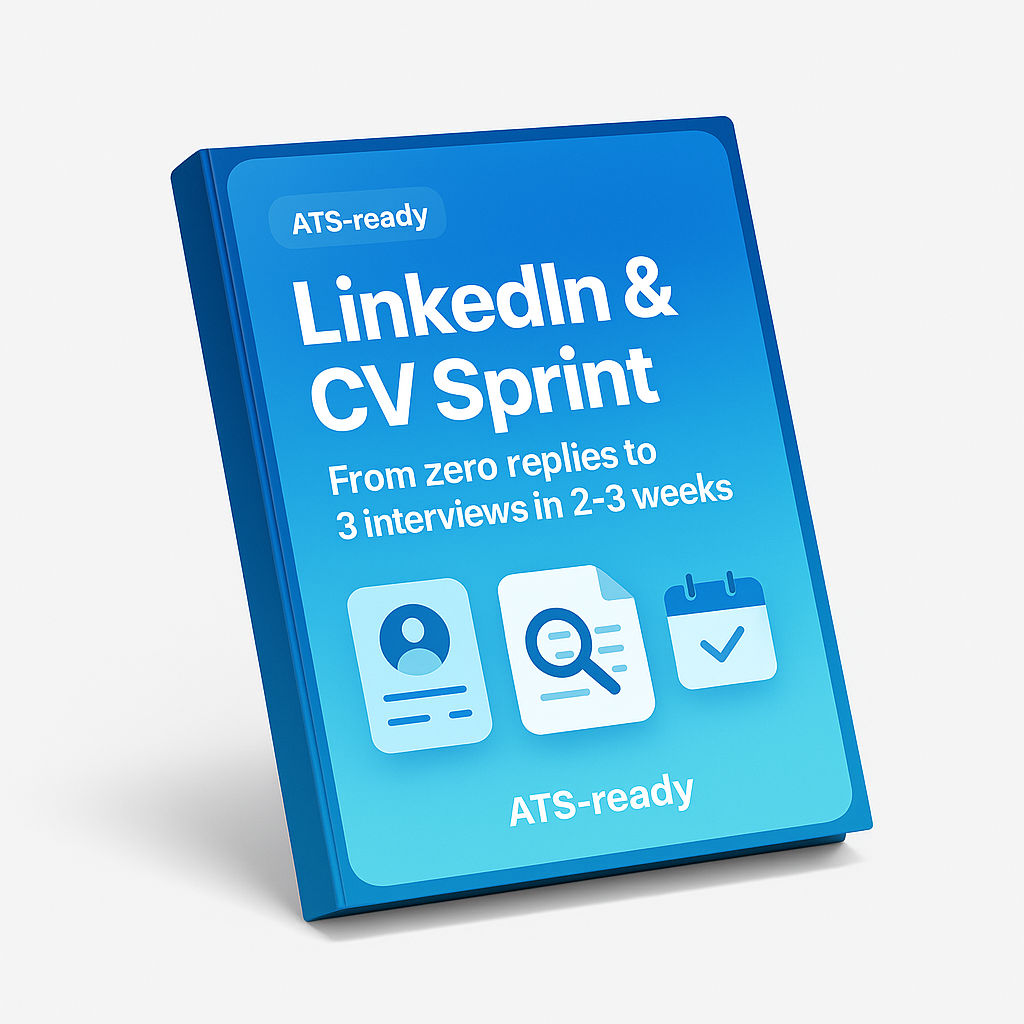
Ready to create a CV that actually gets past ATS and lands interviews? Our complete system includes:
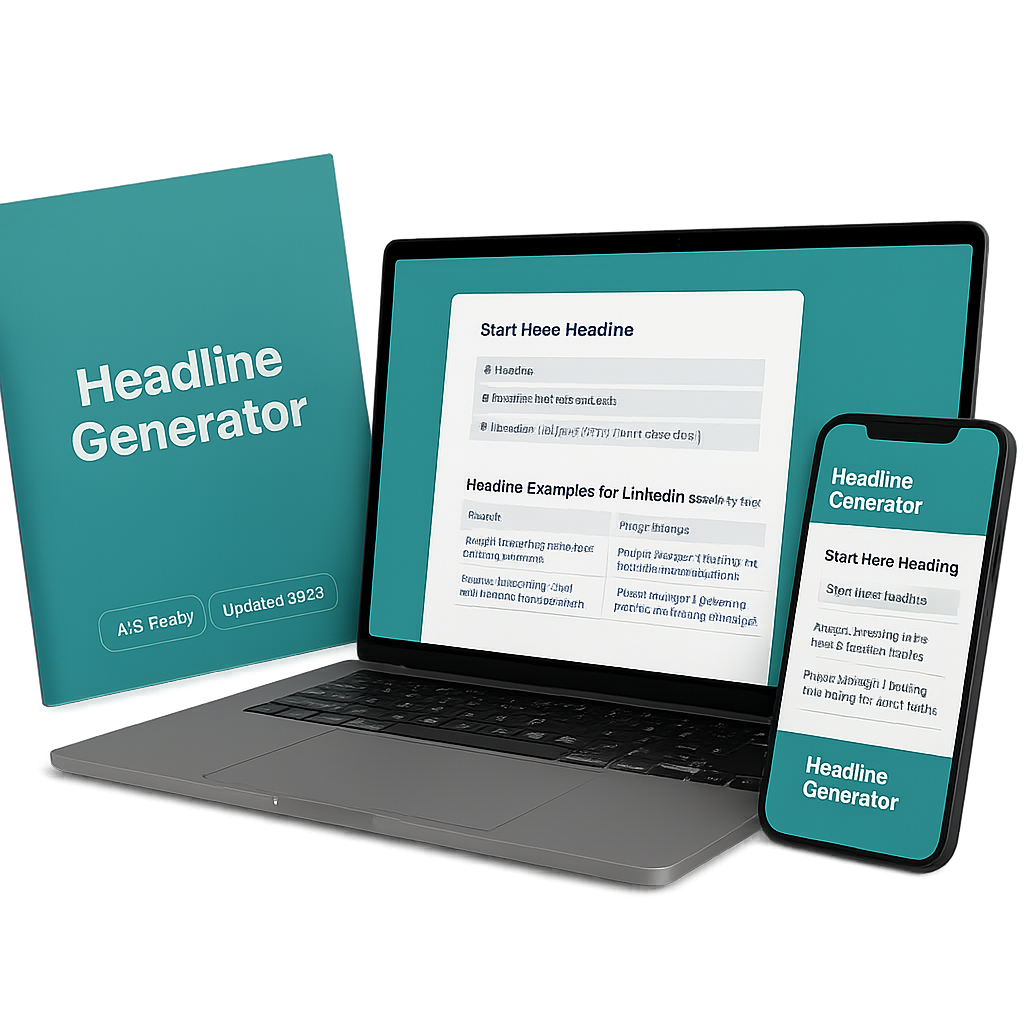
✅ Professional CV Templates – 5 industry-specific designs ✅ ATS-Optimization Checklist – Ensure 95%+ pass rate ✅ Keyword Selector Tools – Find the right keywords for any job ✅ LinkedIn Profile Guide – Match your online presence ✅ Interview-Ready Headline Pack – Stand out immediately ✅ Application Tracker – Organize your job search
Special Offer: Get the complete all-in-one career kit for just $14.99 (regularly $47)
Download the All-in-One Career Kit →
Conclusion: Your CV is Your Marketing Document
In 2026’s competitive job market, your CV template isn’t just a document—it’s your personal marketing tool. The right template:
- Passes ATS screening (getting you into the “yes” pile)
- Captures recruiter attention in seconds
- Presents your value proposition clearly
- Positions you as the ideal candidate
Remember: A great CV template is an investment in your career, not an expense.
The difference between a generic template and an optimized, ATS-ready professional template could mean:
- Getting 2-3x more interview invitations
- Receiving callbacks within 1-2 weeks instead of never
- Landing interviews at top companies in your field
- Negotiating from a position with multiple offers
Don’t let a poorly formatted CV cost you your dream job. Choose a proven, ATS-optimized template and customize it to showcase your unique value.
Take Action Today
Your Next Steps:
- Choose your industry-appropriate template from our recommendations
- Customize with your achievements and quantified results
- Optimize for ATS using our checklist
- Test your CV through free ATS scanners
- Start applying with confidence
Need the complete system? Get our All-in-One Career Kit with professional CV templates, ATS optimization tools, LinkedIn guides, and job tracking—everything you need to land interviews in 1-2 weeks.
Get Instant Access – Only $14.99 →